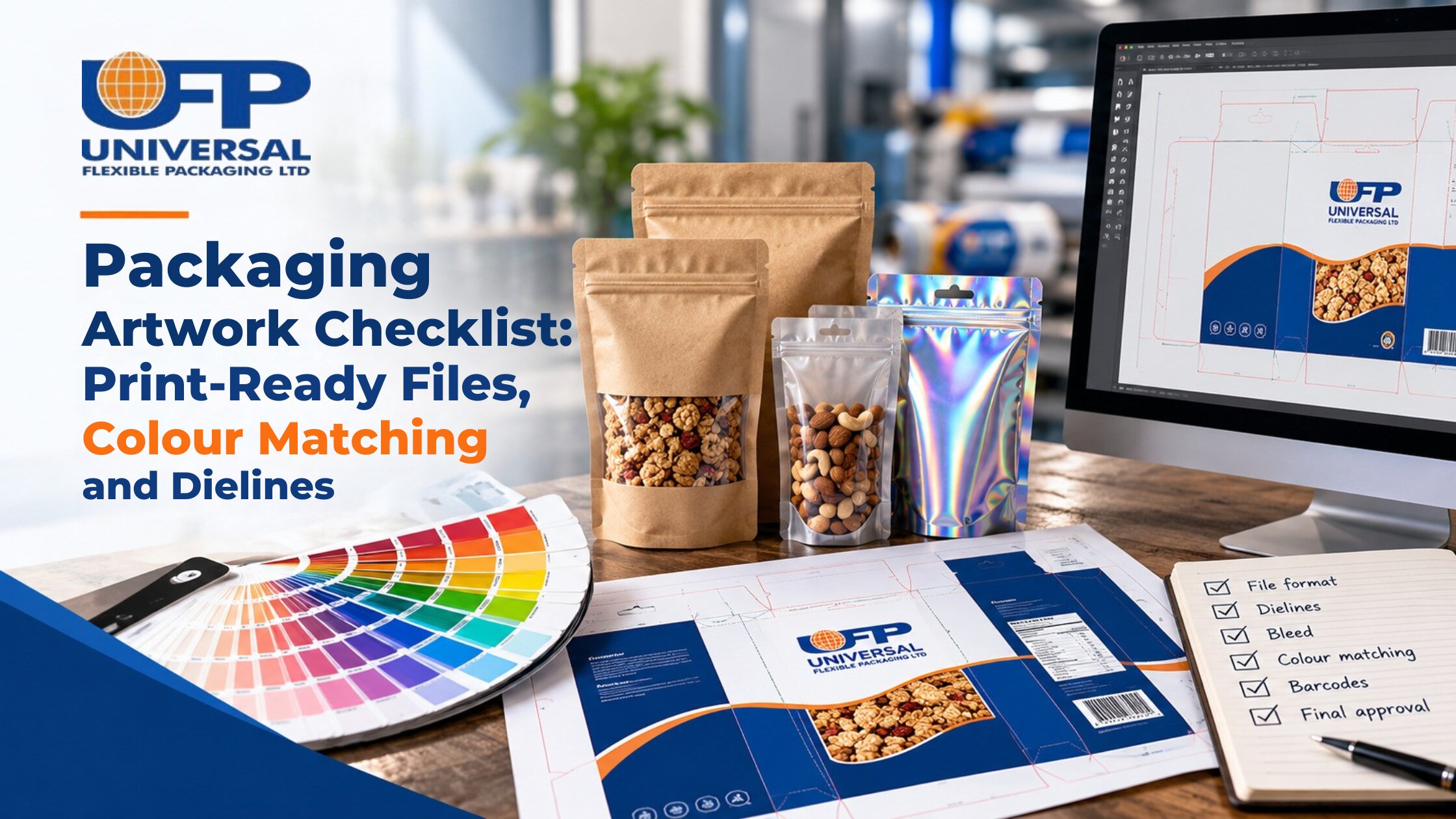
Printed packaging artwork needs to match the dimensions, material and printing process used to produce the finished pack. A design that looks correct on screen can still cause problems if text overlaps a sealing area, colours are incorrectly specified or important information falls outside the visible panels.
For food brands preparing artwork for pouches, films and other flexible packaging, the correct dieline, print-ready files and approved colour references are important parts of the process.
To prepare artwork for printed packaging, businesses should use the correct packaging dieline, supply suitable print-quality files and confirm colour specifications with their packaging supplier. Artwork should include the required bleed and safe areas, suitable image resolution, correctly prepared fonts and accurate product information. The final file also needs to account for the printing method, packaging material and any technical requirements associated with the finished pack. Artwork should be reviewed and approved against the supplier's production specifications before printing begins.
How do you prepare artwork for printed packaging?
Preparing artwork begins with confirming the packaging format and the dimensions of the finished product.
A stand-up pouch, flow wrap film and flat-bottom bag each have different layouts that affect where artwork can be positioned.
The printing supplier needs to understand the packaging specification so that the design can be prepared for the intended production process.
Important details include:
- The packaging format and finished dimensions
- The correct dieline or artwork template
- File format and image resolution
- Colour specifications
- Bleed and safe areas
- Fonts and text placement
- Barcodes and product information
- Printing and finishing requirements
The artwork should be positioned using the approved technical layout, with important text and graphics kept clear of areas affected by sealing, cutting or forming.
What file formats are suitable for packaging artwork?
Packaging artwork is commonly supplied as an editable Adobe Illustrator file or a print-ready PDF, depending on the printer's requirements.
Other vector formats, including EPS, can be accepted where supported.
Brands should retain the editable master artwork, including the relevant dieline, colour specifications and linked assets, so corrections can be made before the final file is released for printing.
Images included within the design need sufficient resolution at their final printed size. A resolution of 300 pixels per inch is commonly used for photographic images, although the appropriate specification depends on the printing process.
Fonts should also be prepared correctly. Depending on the supplier's requirements, this can involve embedding fonts or converting text to outlines.
The final artwork file should preserve the information needed for production, including the correct colours, dimensions and any separate technical layers.
What is a packaging dieline and why is it important?
A dieline is a technical layout showing the dimensions and structural features of a packaging format.
It provides a reference for positioning artwork within the areas that will form the finished pack.
For flexible packaging, the dieline can identify areas such as:
- Front and back panels
- Side gussets or bottom gussets
- Sealing areas
- Cut or trim positions
- Fold lines where applicable
- Areas reserved for packaging features
Depending on the packaging format, the technical layout can also identify printing registration marks, sealing areas and the positions of features such as zips or tear notches.
These details should follow the supplier's approved artwork template.
For example, artwork positioned too close to a sealing area can become obscured or distorted when the pack is formed.
Bleed allows background colours and images to extend beyond the intended trim position where required, reducing the risk of unprinted edges.
Safe areas help keep important text and design elements away from cuts, seals and other positions where visibility could be affected.
The exact bleed and safe-area measurements depend on the packaging format and production specifications.
How should colours be prepared for packaging printing?
Colour preparation helps ensure printed packaging matches the approved design as closely as possible.
Packaging printing commonly uses CMYK process colours or separately specified spot colours, depending on the artwork and printing method.
CMYK uses cyan, magenta, yellow and black inks to reproduce a range of colours.
Spot colours, including colours specified through systems such as Pantone, can be used where particular brand colours need to be reproduced consistently.
When preparing artwork, businesses should consider:
- The colour mode required by the printer
- Any specified brand colours
- Whether spot colours are required
- The packaging material being printed
- Special finishes or coatings
- The approval method for printed colour
Colours displayed on a screen can appear different when printed because screens produce colour using light, while printing uses inks applied to a physical material.
The appearance of a printed colour can also be influenced by the film structure, surface finish and whether the design is printed directly onto a material or reverse printed.
A specified spot colour provides a reference for the intended appearance, although the final printed result can vary with the substrate, ink system and finishing process.
Brands with strict colour requirements should agree on an appropriate physical colour reference or production proof with their printer.
What should you check before submitting packaging artwork?
Before submitting artwork, food brands should check both the technical file and the information printed on the pack.
A file can meet the required design specifications while still containing incorrect product details or artwork positioned in unsuitable areas.
The final artwork checklist should include:
- Confirm that the correct packaging dieline has been used
- Check the finished pack dimensions
- Ensure bleed and safe areas meet the supplier's specifications
- Review image resolution and linked assets
- Confirm fonts are embedded or outlined as required
- Check CMYK and spot colour specifications
- Verify the placement of logos and graphics
- Check barcode data, size, contrast, orientation and quiet zones against the relevant GS1 specifications, and arrange barcode verification where required
- Check product names, ingredients and other printed information
- Confirm any required finishing or technical layers
Barcodes should also be kept clear of seams, folds, gussets and other areas that can distort them once the flexible pack is formed.
A visual review alone does not confirm that a barcode meets the relevant print-quality or scanning standards.
Food brands should confirm that mandatory product information has been reviewed and approved by the responsible business before printing.
This can include ingredients, allergen information, net quantity, business details and other applicable labelling requirements.
The exact information required depends on the product and the regulations that apply to it.
Why is artwork approval important before printing?
Artwork approval is the stage where the brand and printing supplier confirm that the design is ready for production.
Once printing begins, changes to text, colours or layout can require additional preparation and affect production schedules.
The approval process can include reviewing a digital proof, confirming technical specifications and checking printed samples where required.
Important areas to review include:
- Accuracy of all printed information
- Positioning of artwork within the dieline
- Colour specifications and agreed references
- Image quality and text clarity
- Barcode placement
- Packaging dimensions and orientation
- Any relevant printing or finishing requirements
The approval method depends on the printing process and the requirements of the project.
A digital proof can help identify artwork and layout issues, but it does not always reproduce the exact appearance of the final printed material.
Where colour accuracy or material appearance is particularly important, businesses should discuss appropriate proofing options with their packaging supplier.
Final approval should be completed before the artwork is released for production.
How does UFP support printed flexible packaging?
Universal Flexible Packaging (UFP) provides printed flexible packaging for food and non-food products, including films on rolls, stand-up pouches and other packaging formats.
The company offers packaging design support alongside flexographic and rotogravure printing.
UFP's printing capabilities include up to ten colours, with HD Flexo plate technology available as part of its flexographic printing operation.
The company also provides printed packaging finishes, including registered matt lacquer, paper-effect and hologram options.
For businesses developing printed packaging, UFP provides design and printing capabilities that can be considered alongside the selected packaging material, dimensions and production process.
The company also offers contract packing, storage and delivery services from its Leicester operation.
Preparing artwork for a new printed packaging project?
Speak to the UFP team about your packaging format, printing specifications and production requirements.